 Skip to content

Compatibility
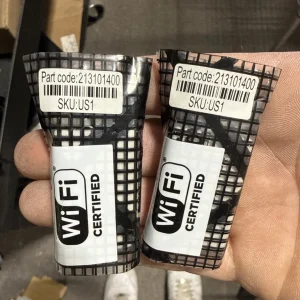
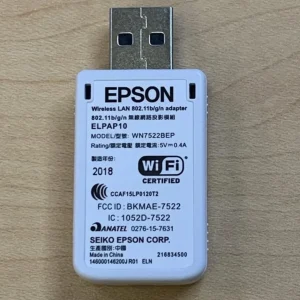
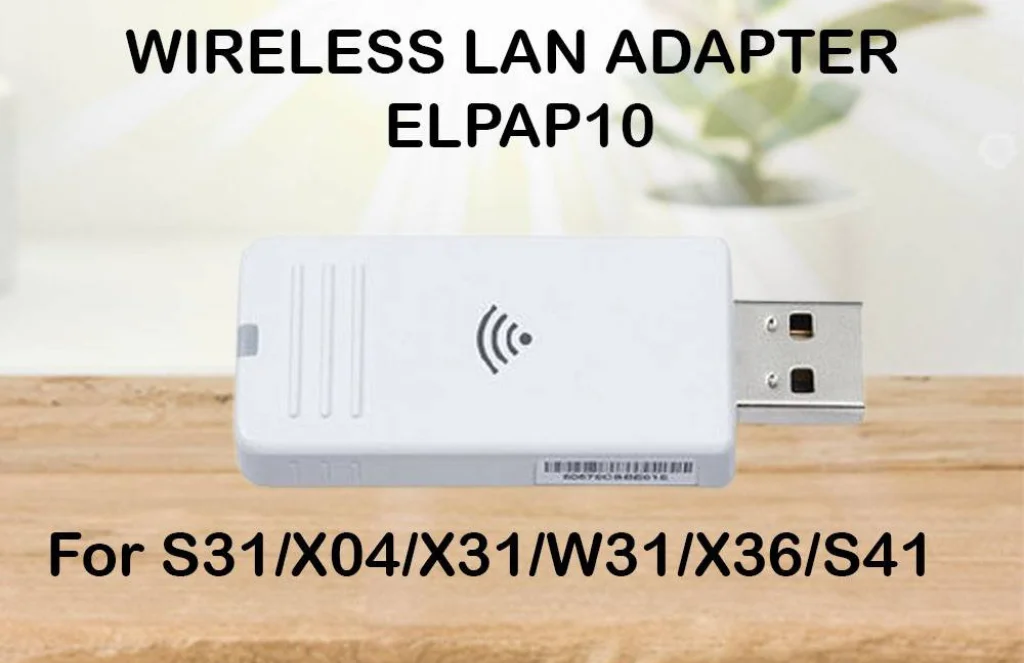
The ELPAP10 is designed specifically for select Epson projectors and is not a universal USB Wi-Fi adapter.
It supports many Epson projector families, including selected models from:
- Epson PowerLite Series
- Epson EB Series
- Epson EX Series
- Epson Home Cinema Series
- Epson L Series
Compatibility varies by projector model, so users should verify that their projector supports the ELPAP10 (Model V12H731P02) before purchasing.
Easy Wireless Presentations
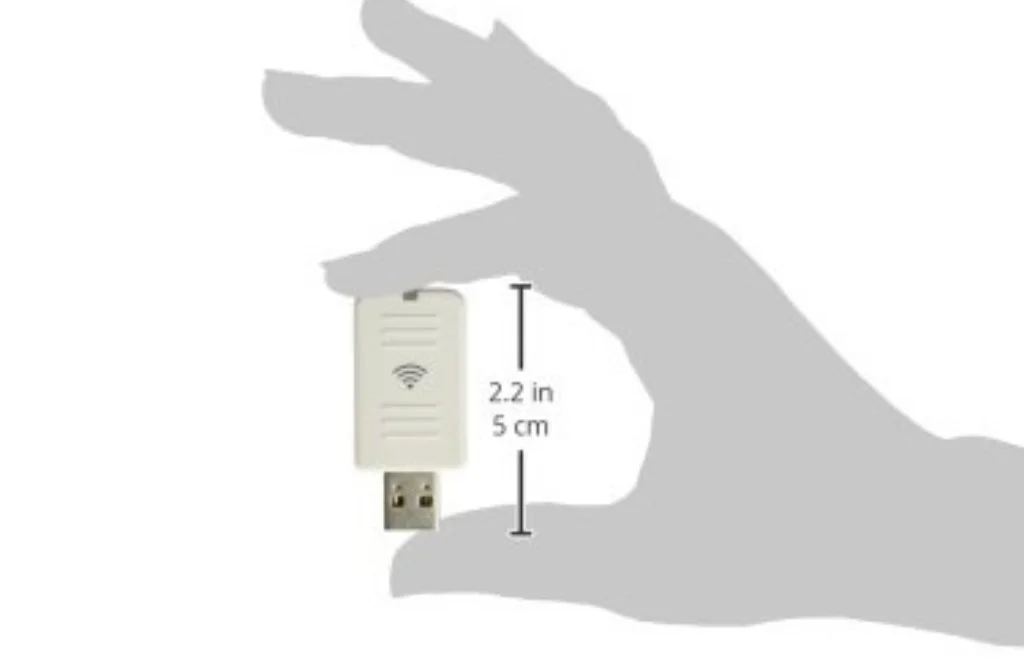
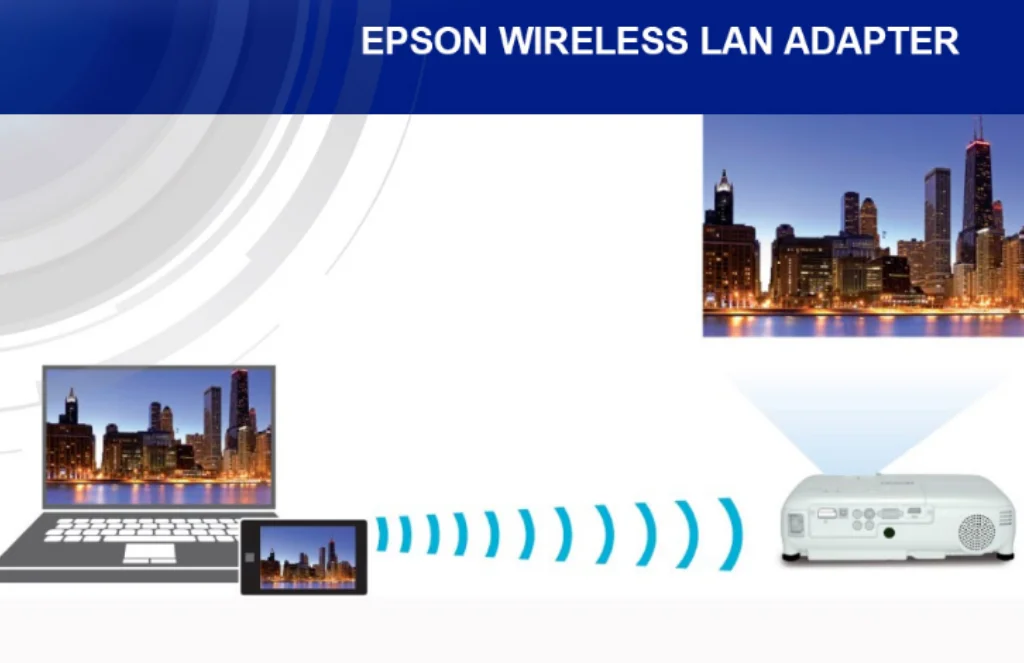
The ELPAP10 enables users to project presentations and other content wirelessly from supported computers.
Supported Functions
- Wireless screen projection
- Presentation sharing
- Classroom teaching
- Meeting room collaboration
- Remote presentations
- Multi-user environments
When paired with Epson EasyMP Network Projection software, presenters can wirelessly display content from Windows and macOS computers.
Wireless Connectivity
The ELPAP10 allows compatible Epson projectors to connect to wireless networks or establish peer-to-peer wireless connections.
Wireless Features
- IEEE 802.11 b/g/n wireless standards
- USB Type-A interface
- Wireless LAN connectivity
- Peer-to-peer wireless projection
- Network-based projector management
- Audio transmission support
This eliminates the need for long Ethernet or HDMI cables when presenting from compatible devices.
Remote Projector Management
For organizations with multiple projectors, the ELPAP10 supports centralized monitoring and management.
Management Features
- Remote projector monitoring
- Network status monitoring
- Remote power management
- Device administration
- Simplified IT management
Using Epson EasyMP Monitor, IT administrators can manage compatible projectors across a wireless network, making it easier to maintain classroom and office installations.
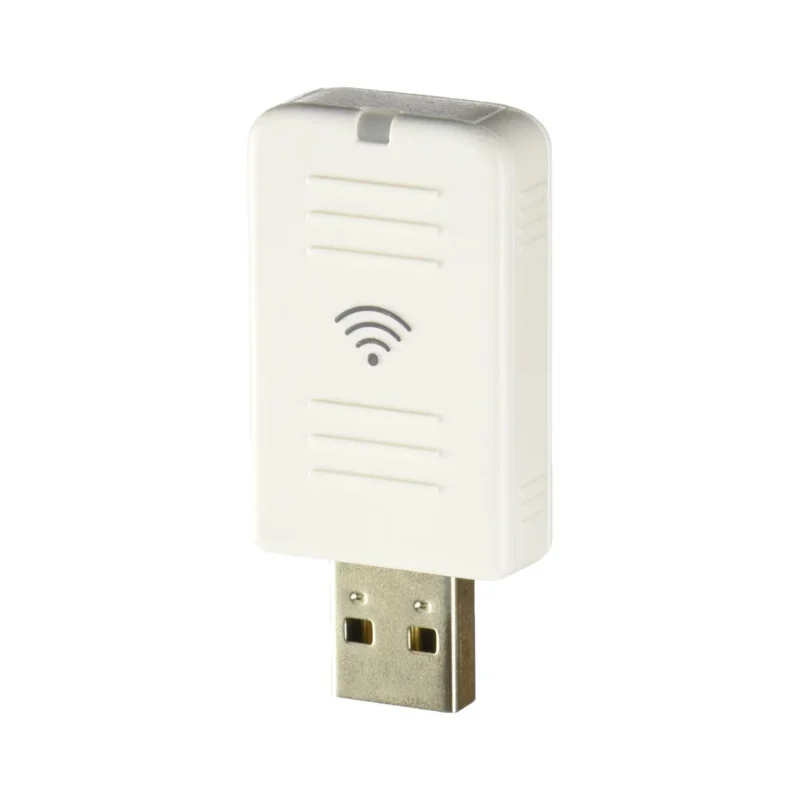
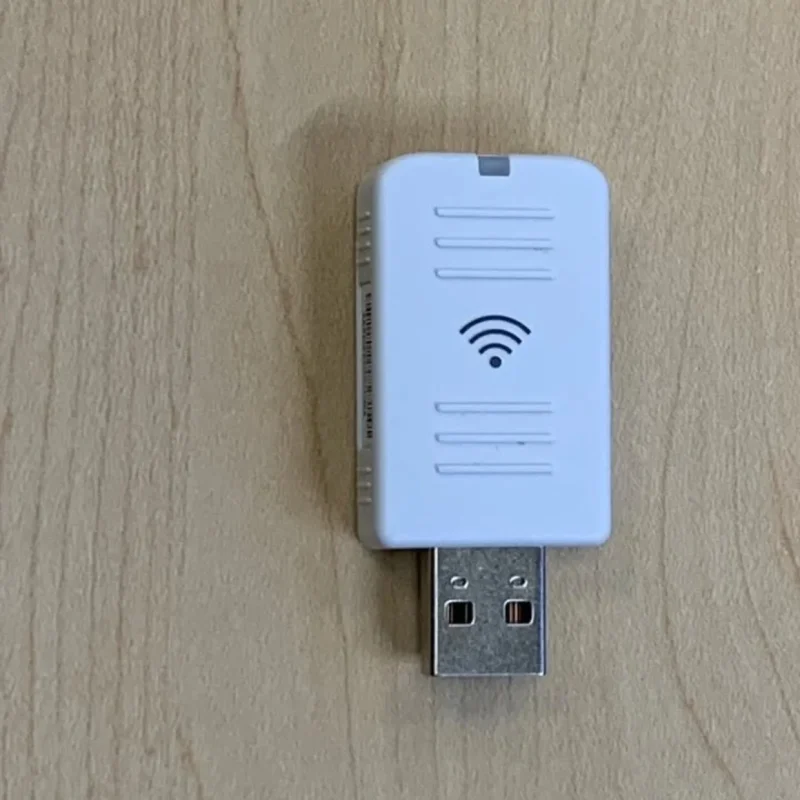
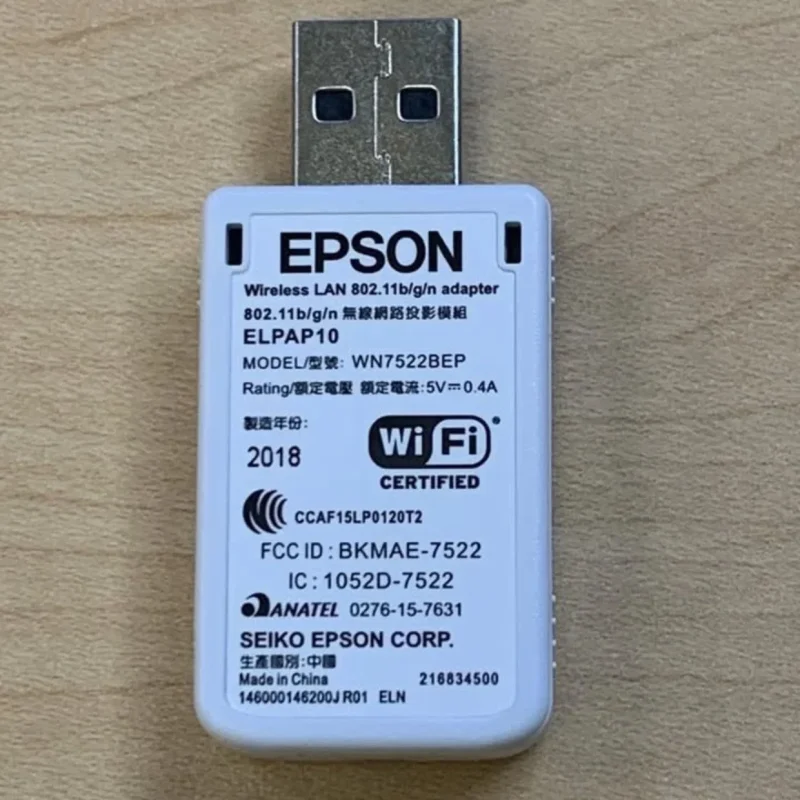
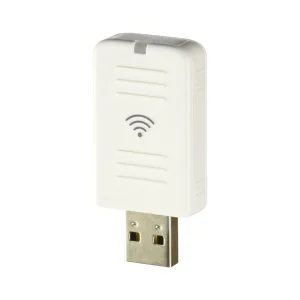
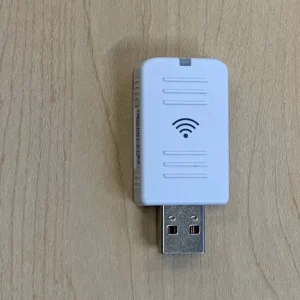
Epson ELPAP10 Wireless LAN Module for Projectors
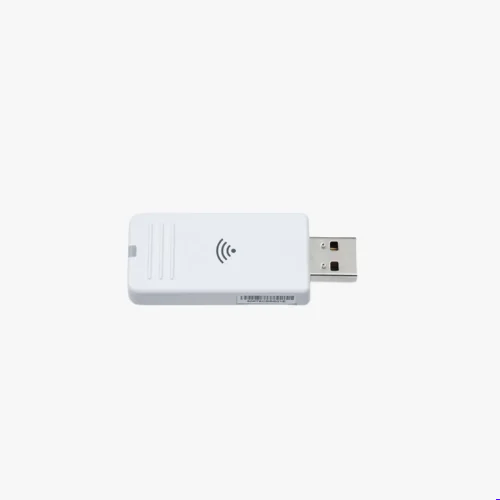
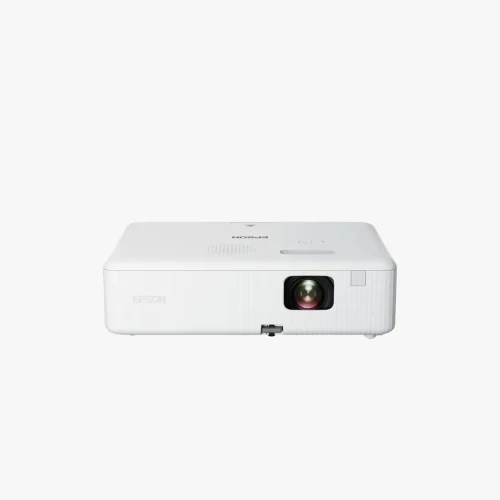
The Epson ELPAP10 Wireless LAN Module is an official Epson wireless adapter that adds Wi-Fi connectivity to compatible Epson projectors. By plugging into the projector’s USB Type-A port, the module enables wireless presentations, screen sharing, and remote projector management without the need for network cables. It is an ideal accessory for classrooms, meeting rooms, conference halls, and businesses looking to simplify projector installations and improve collaboration.
Simple Installation
Installing the ELPAP10 is quick and requires no hardware modifications.
Installation Steps
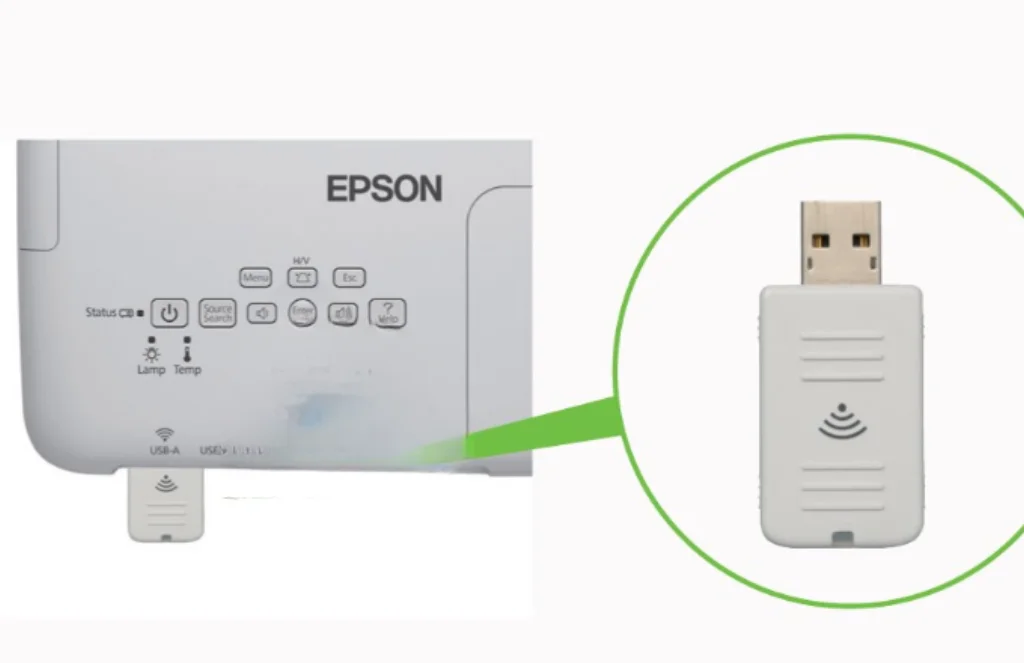
- Insert the ELPAP10 into the projector’s USB Type-A port.
- Enable wireless LAN in the projector’s network settings.
- Connect the projector to your Wi-Fi network or create a peer-to-peer connection.
- Use Epson’s wireless projection software to begin presenting.
The adapter is powered directly by the projector and requires no external power supply.
Supported Operating Systems
The ELPAP10 works with Epson’s software on both major desktop platforms.
Supported Platforms
- Windows
- macOS
It supports wireless projection and network management through Epson’s compatible applications.
Key Benefits
Why Choose the Epson ELPAP10?
- Official Epson wireless accessory
- Cable-free presentations
- Supports wireless LAN networking
- Remote projector monitoring
- Easy USB plug-and-play installation
- Supports audio transmission
- Compatible with many Epson business and education projectors
- Ideal for classrooms and meeting rooms
Common Applications
The Epson ELPAP10 is suitable for:
- Business presentations
- Corporate meeting rooms
- Educational institutions
- Training centers
- Conference facilities
- Churches and places of worship
- Government offices
Its wireless capability helps reduce cable clutter while making presentations more flexible.
Important Considerations
Before purchasing, keep these points in mind:
- The ELPAP10 works only with compatible Epson projectors.
- It is not intended to turn a projector into a smart streaming device.
- For streaming services such as Netflix or YouTube, you’ll still need a media player (such as a streaming stick or media box) connected via HDMI.
The Epson ELPAP10 Wireless LAN Module is a practical accessory for users who want to add wireless networking and presentation capabilities to compatible Epson projectors. Supporting IEEE 802.11 b/g/n Wi-Fi, USB plug-and-play installation, remote projector management, and wireless content sharing, it is particularly valuable in educational and business environments. If you own a compatible Epson projector, the ELPAP10 provides a reliable and convenient way to eliminate cables and simplify presentations.
FAQs
The ELPAP10 adds wireless LAN connectivity to compatible Epson projectors, enabling wireless presentations, screen sharing, and remote projector management.
No. It is compatible only with selected Epson projector models. Always check your projector’s compatibility list before purchasing.
No. The adapter provides wireless networking for presentations and projector management, not built-in streaming apps. For streaming services, use an HDMI media streaming device.
Yes. The ELPAP10 supports wireless audio transmission along with video when used with compatible Epson software and supported projectors.
Simply plug the module into the projector’s USB Type-A port, enable wireless networking in the projector settings, and connect it to your wireless network using Epson’s supported software.


Reviews
There are no reviews yet.