


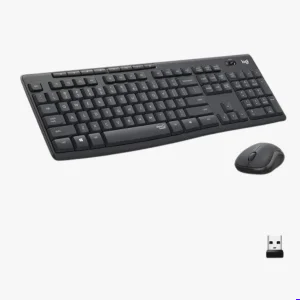
nnovative SilentTouch Technology
Focus entirely on your demanding tasks without the distraction of loud, clicky peripheral noises. This specialized architecture completely dampens the acoustic output of both your typing and clicking actions. It creates a serene, near-silent environment that is ideal for open-plan offices, home workspaces, or late-night development sessions.
Acoustic Features
90% Noise Reduction Technology
Silent Membrane Key Switches
Low-Noise Optical Mouse Clickers
Retained Tactile Key Feedback
Whisper-Quiet Spacebar Assembly
Ideal for open corporate offices, shared home environments, libraries, and remote night-shift workers.


Full-Sized Productivity Layout
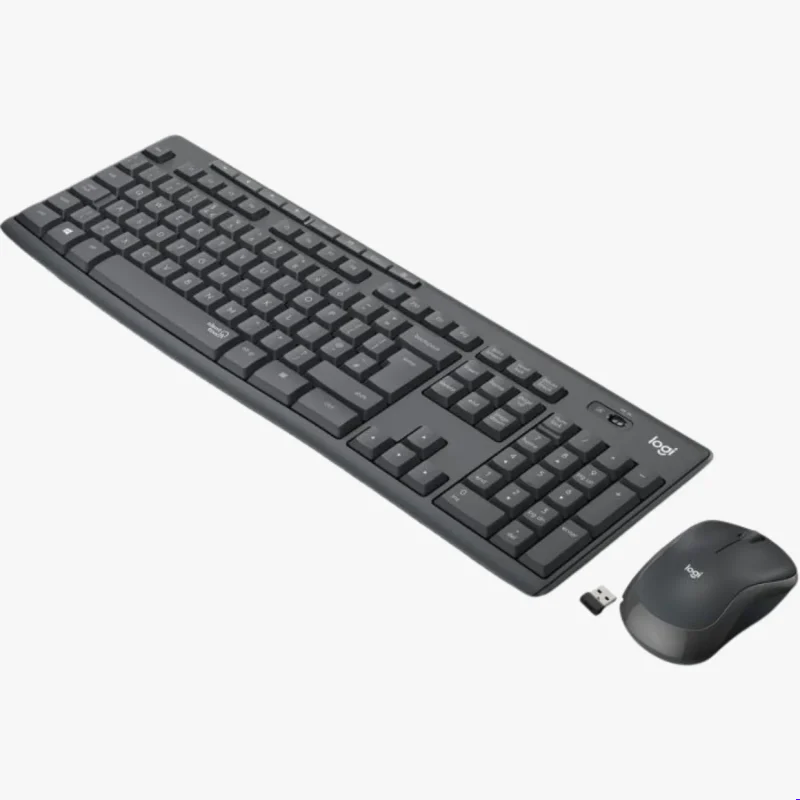
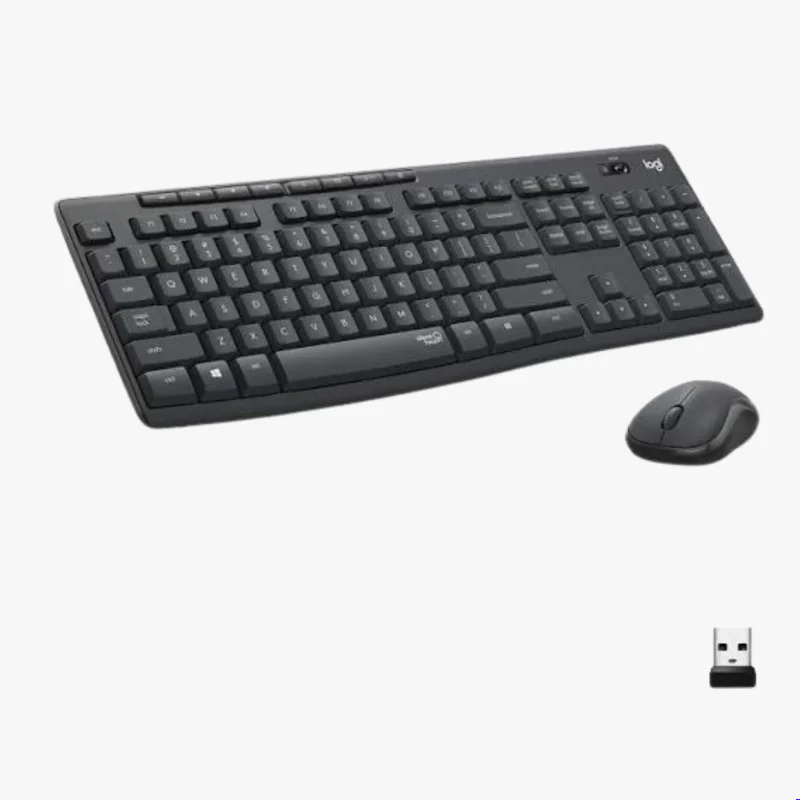
Navigate expansive data arrays and complex spreadsheets without missing a single input choice. The full-sized keyboard layout delivers standard key spacing paired with a dedicated ten-key numeric keypad. This familiar setup keeps your typing highly accurate and natural, drastically reducing input errors during fast-paced work.
Layout Features
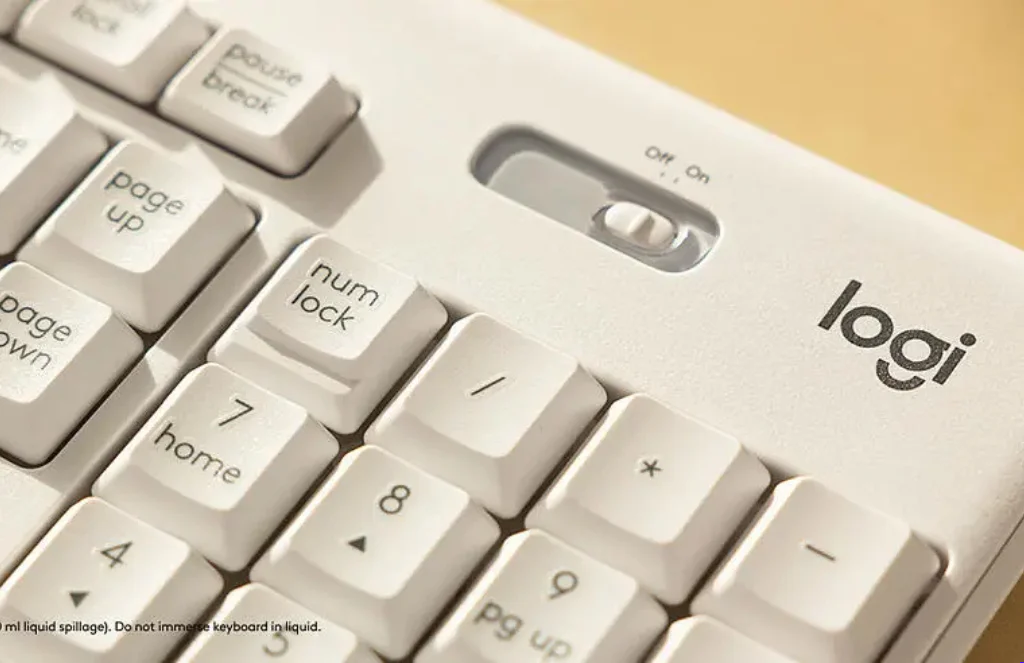
Full-Size 104-Key Configuration
Dedicated 10-Key Numeric Pad
8 Integrated Media Hotkeys
Adjustable Keyboard Tilt Legs
Deep-Profile Tactile Travel Keys
Ideal for full-stack developers, financial analysts, data entry specialists, and high-volume typists.
Lag-Free Wireless Interface
Maintain a clean, cable-free desk space while enjoying rock-solid peripheral responsiveness. The advanced 2.4GHz internal wireless receiver establishes a strong connection with a generous 10-meter operational radius. It ensures that your keystrokes and pointer coordinates transmit instantly to your machine without any annoying lag.
Wireless Features
Stable 2.4GHz Wireless Frequency
10-Meter Drop-Free Working Range
Tiny Plug-and-Forget Nano USB Receiver
Instant Hardware Encryption Protocols
Driver-Free Setup Integration
Ideal for minimalist office designs, standing desks, multi-monitor systems, and clutter-free workspaces.
Extensive Energy Endurance
Stop worrying about sudden battery failures interrupting your creative production cycles or critical client calls. The intelligent internal engineering optimizes current draw to extract maximum runtime from simple, standard battery cells. This remarkable efficiency keeps your desktop peripherals running for years at a time without needing a replacement.
Power Features
36-Month Keyboard Battery Lifespan
18-Month Mouse Battery Lifespan
Convenient Dedicated On/Off Switches
Smart Automatic Sleep Mode Logic
Low-Battery Power Draw Warning
Ideal for busy professionals, field engineers, and remote workers who require zero maintenance downtime.
Durable Spill-Resistant Everyday Engineering
The keyboard structure is meticulously built to withstand the real-world accidents and liquid mishaps of a busy modern workspace.
It features a specialized internal drainage system that quickly funnels accidental liquid spills straight through open weep holes on the bottom plate.
This clever physical protection ensures that morning coffee splashes or water spills roll away safely without reaching the fragile internal membrane circuits.
You can confidently keep your favorite beverages at your workstation without worrying about catastrophic short circuits or permanent hardware damage.
Comfortable Precision Optical Navigation
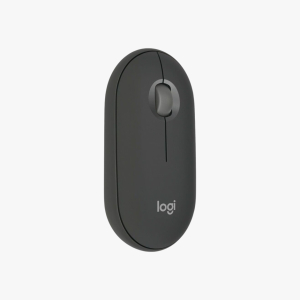
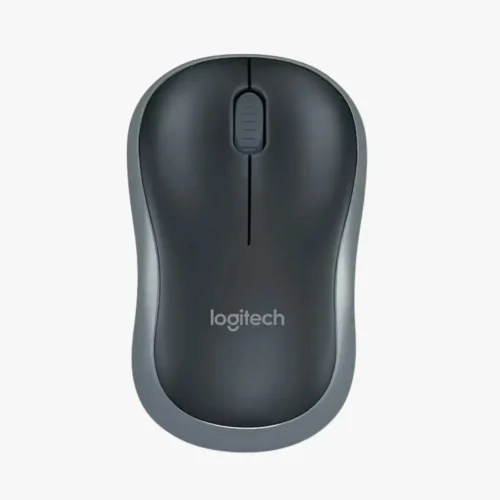
The included wireless mouse is specifically contoured to provide comfortable, long-lasting support for your hand during extended research tasks.
Its smooth optical tracking engine registers small hand movements accurately across standard office desks, delivering smooth pointer control without sudden skips.
The low-profile body fits cleanly into travel bags, making it an excellent computing accessory for hybrid workers moving between home and office desks.
Its symmetrical shape ensures a reliable, confident grip that reduces arm muscle fatigue throughout your production day.
Instant One-Touch Media Shortcuts
Boost your daily operating efficiency by utilizing the eight dedicated hotkey buttons running along the top edge of the keyboard frame.
These pre-programmed shortcut keys give you instant, one-touch access to core system tools like your default web browser, calculator, and inbox.
They also provide immediate control over your volume levels and media playback, allowing you to mute music instantly when a client call rings through.
This layout removes the annoying step of digging through complex software menus just to adjust basic desktop settings.
Short features
SilentTouch Noise Suppression: Lowers button noise by 90% while keeping a highly responsive key feel.
Plug-and-Play USB Nano Receiver: Connects both the keyboard and mouse instantly using a single USB port.
Spill-Resistant Frame Layout: Integrated liquid drainage holes shield interior circuits from liquid damage.
Adjustable Typing Angle Tilts: Sturdy folding legs tilt the keyboard frame by 8 degrees for optimal wrist comfort.
Long-Life Legend Keycaps: Specialized protective coatings prevent printed letters from fading over time.
FAQs
No, this combo uses a single, ultra-compact USB Nano receiver to connect both the keyboard and the mouse to your computer at the exact same time. This single-dongle design saves valuable USB ports on your laptop or desktop docking station. The receiver features a simple plug-and-play architecture that initializes instantly without needing manual software installation.
Yes, this combo is fully compatible with macOS, ChromeOS, Linux, and Android operating systems alongside standard Windows machines. You simply plug the USB receiver into an open port or an appropriate Type-C adapter adapter block to get started. Note that while typing and clicking work perfectly on Mac computers, a few top media hotkeys might behave slightly differently due to Mac layout rules.
The innovative SilentTouch technology removes up to 90% of the acoustic clicking noise without sacrificing the satisfying physical drop of the keys. You will still feel a clean, tactile bounce beneath your fingers, ensuring you maintain typing speed and accuracy. It offers the familiar typing experience of a high-quality membrane keyboard while removing the loud clatter.
First, check the physical underside switches on both devices to ensure they are set to the “On” position, and try moving the USB receiver to a different port. If they still do not connect, the batteries may need to be replaced, or nearby wireless routers might be causing signal interference. You can easily test this by plugging the USB dongle into a port closer to your keyboard tray.
No, the keyboard features a spill-resistant design built to handle limited liquid splashes, such as accidentally knocking over a glass of water. It is not fully waterproof or submersible, so you should never dunk the keyboard frame into deep water or wash it directly under a running kitchen tap. If a spill happens, simply tilt the frame to let the liquid drain out of the bottom holes and wipe it dry.


Reviews
There are no reviews yet.