 Skip to content

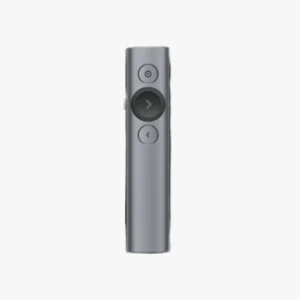

Professional Presentation Control
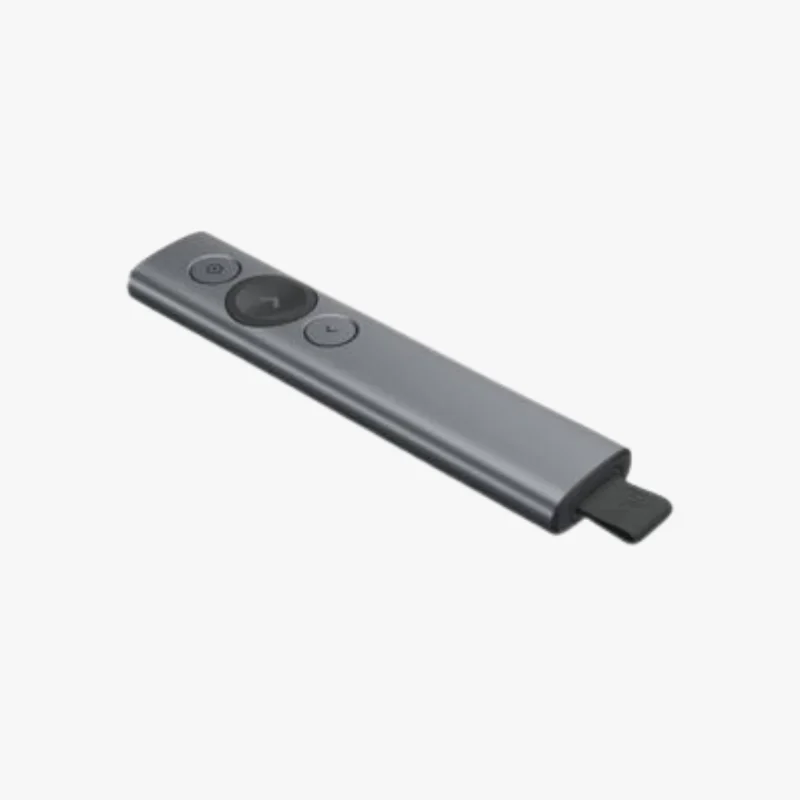
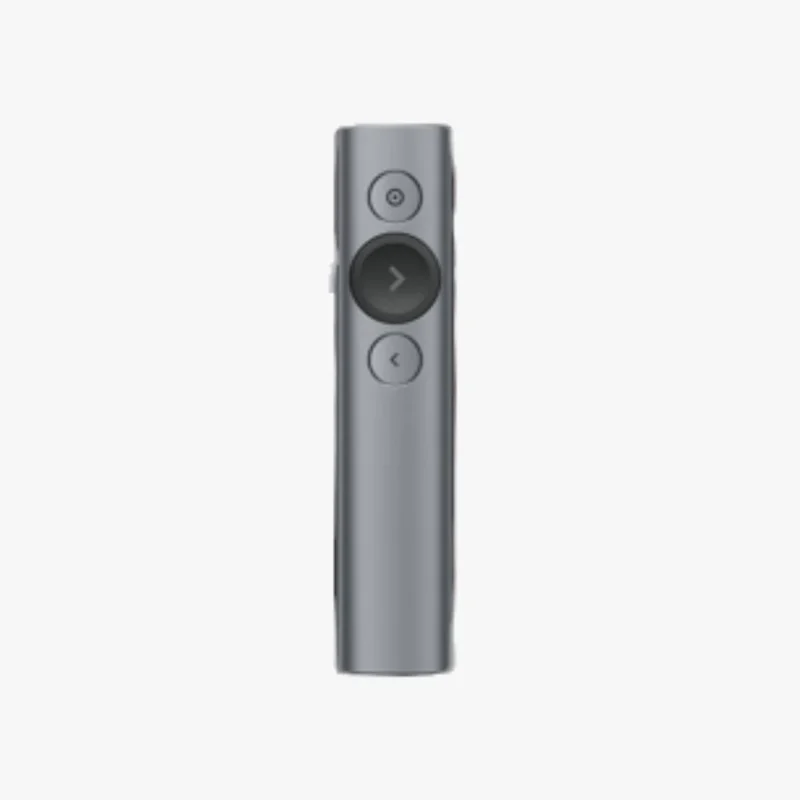
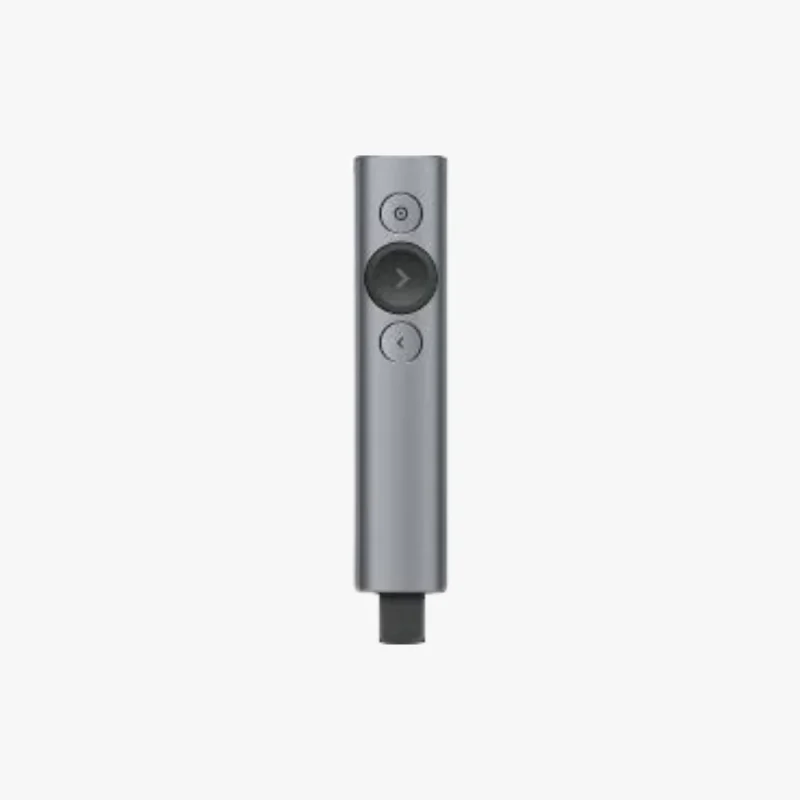
The Logitech Spotlight is designed for presenters who want more than a basic slide clicker.
Its advanced pointer system lets you highlight important content with pixel-level precision, making it easier for audiences to follow along. This makes it a strong choice for meetings, lectures, and live presentations.
Smart Pointer Modes
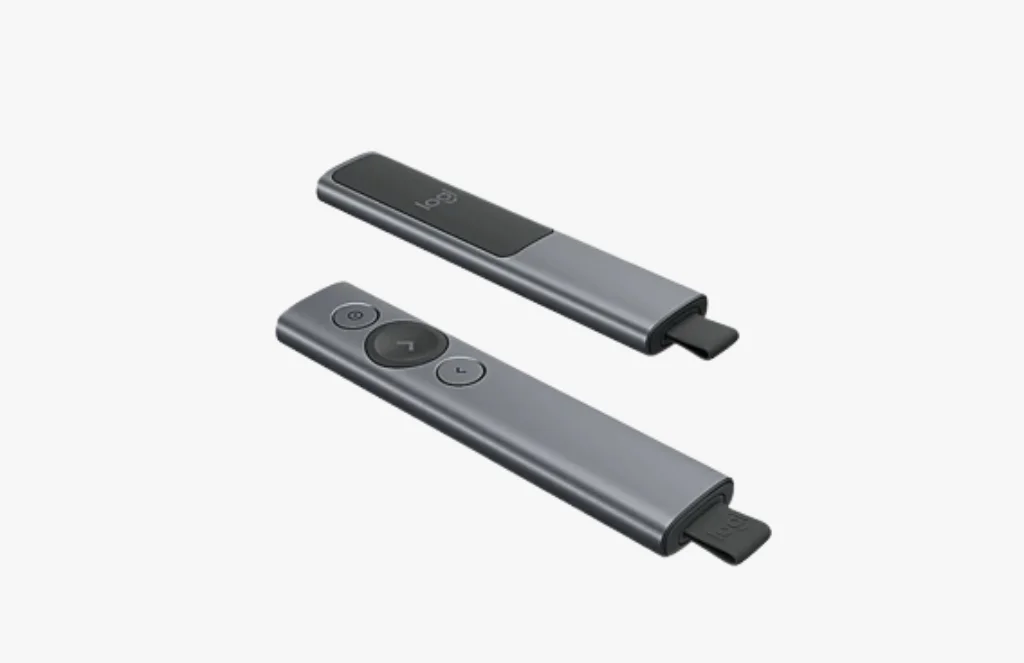
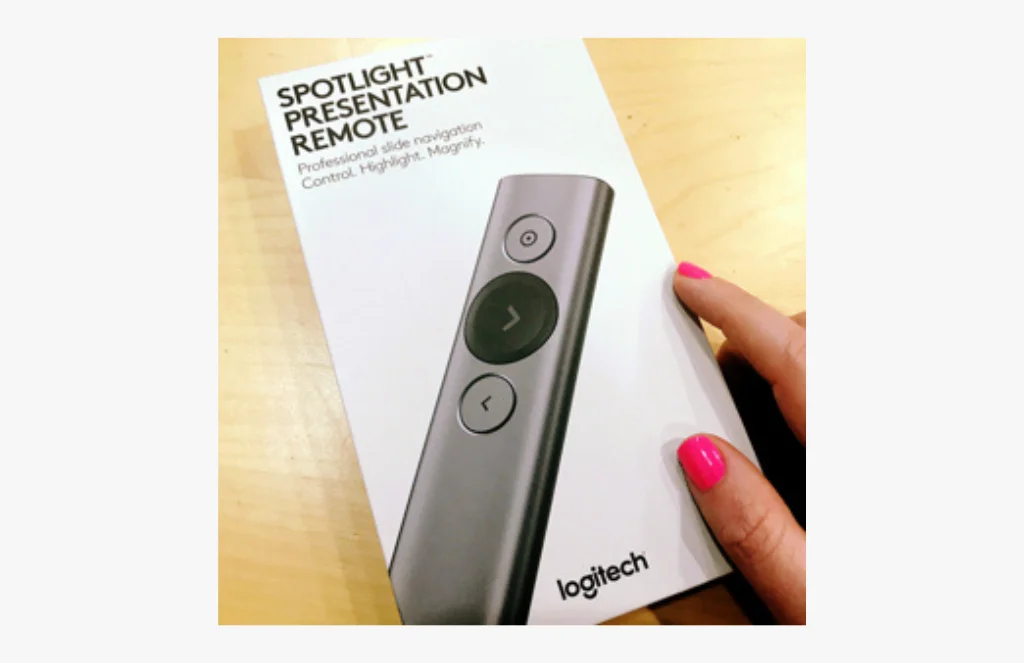
Spotlight includes three presentation modes: Highlight, Magnify, and Digital Laser. These modes let you darken the screen except for a chosen area, zoom in on details, or precisely point to information on screen.
That flexibility helps you guide attention more effectively than a traditional laser pointer
Easy Connectivity and Compatibility
You can use Spotlight through the USB receiver or connect with Bluetooth low energy wireless technology.
It works with Windows and macOS, and it supports widely used presentation and conferencing apps like PowerPoint, Keynote, Google Slides, Prezi, Zoom, and Microsoft Teams. That broad compatibility makes it practical for both in-person and virtual presentations.
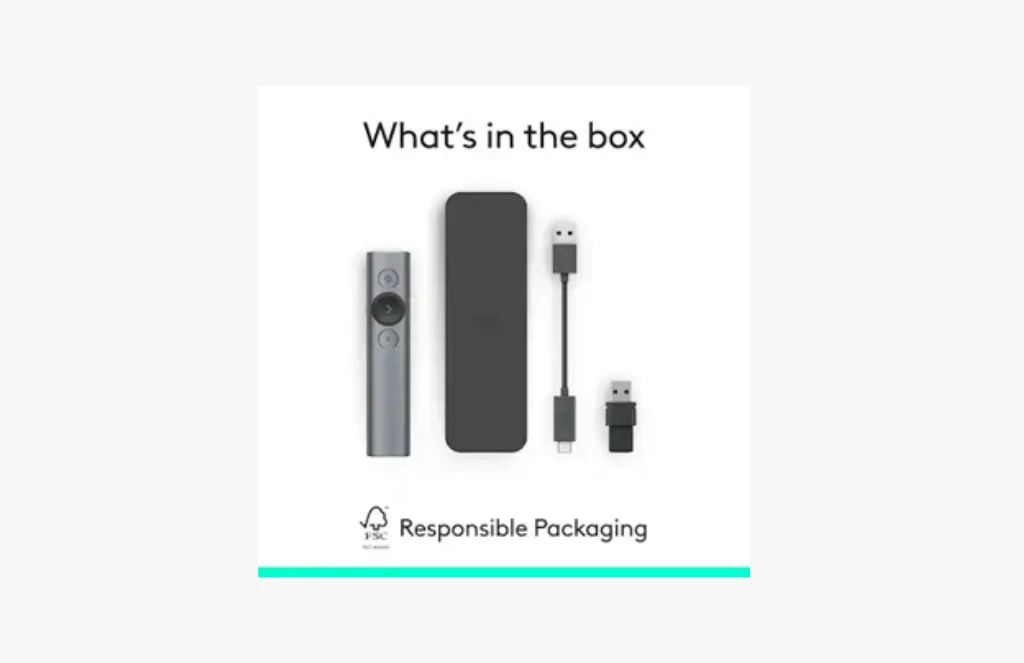
Built for Convenience
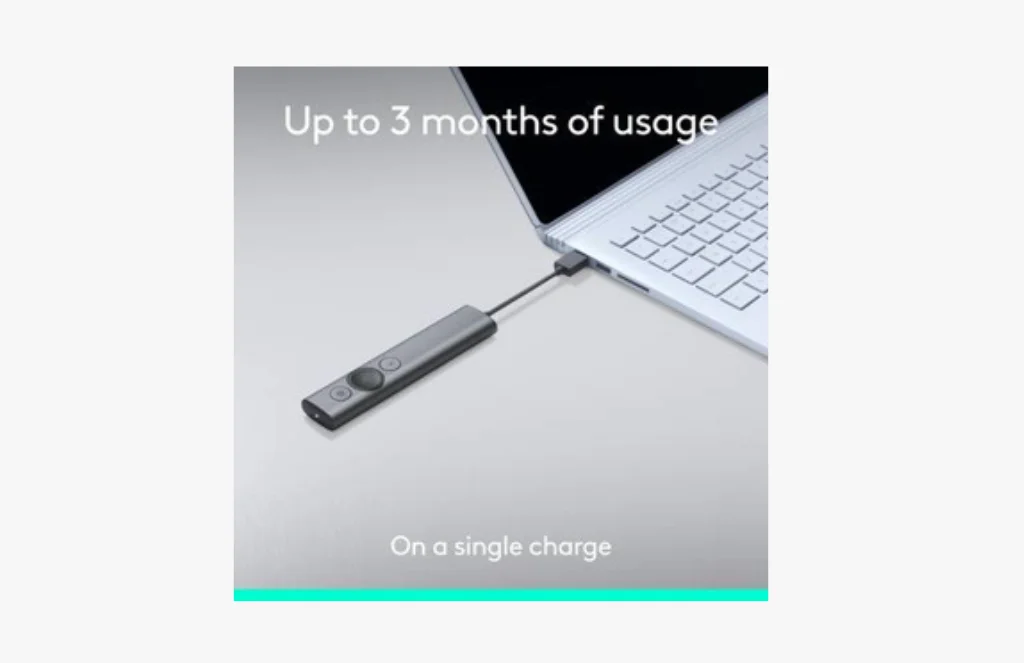
The Spotlight includes a rechargeable battery, and Logitech says one minute of charging can provide about three hours of use.
It also keeps your computer awake while you present, which helps avoid interruptions. For professionals who want a stylish, intelligent presentation remote, Spotlight offers a polished and capable solution.
The Logitech Spotlight Presentation Remote is a high-end wireless presenter built for people who want precise control over their slides and audience focus.
Unlike a standard clicker, it adds advanced pointer tools that let you highlight, magnify, and digitally point to key information on screen. This makes it especially useful for business presentations, teaching, and hybrid events.
One of its standout features is the set of three pointing modes. Highlight creates a spotlight effect, Magnify enlarges details, and Digital Laser pinpoints information with accuracy. These tools help presenters direct attention without needing a physical laser pointer, which can be harder to control on modern displays.
The remote connects either through its USB receiver or via Bluetooth low energy, giving users flexibility depending on their setup. It works across Windows and macOS and supports common presentation platforms such as PowerPoint, Keynote, Acrobat, Google Slides, Prezi, Zoom, Microsoft Teams, and BlueJeans. That broad support makes it suitable for both office and virtual workflows.
Battery life and convenience are also strong points. Logitech says the Spotlight can provide about three hours of use from a one-minute charge, and it includes a rechargeable built-in battery. It also keeps the computer awake while presenting, which helps avoid screen sleep interruptions. For presenters who want a polished tool with advanced highlighting and flexible connectivity, Spotlight is one of Logitech’s most capable remotes.
Short Features
Highlight, Magnify, and Digital Laser modes.
Up to 100 ft range.
USB receiver and Bluetooth connectivity.
Windows and macOS support.
Works with PowerPoint, Keynote, Acrobat, Google Slides, Prezi, Zoom, and Teams.
Rechargeable built-in battery.
About 3 hours of use from 1 minute of charging.
Keeps computer awake during presentations.
Customizable controls.
Premium presentation remote design.
FAQs
It is used for professional presentations, lectures, meetings, and hybrid events.
It offers Highlight, Magnify, and Digital Laser modes for precise on-screen pointing.
Yes, it supports Bluetooth low energy as well as the USB receiver.
Logitech lists a wireless range of up to 100 ft.
Yes, Logitech says one minute of charging can provide about three hours of use.
Reviews
There are no reviews yet.