

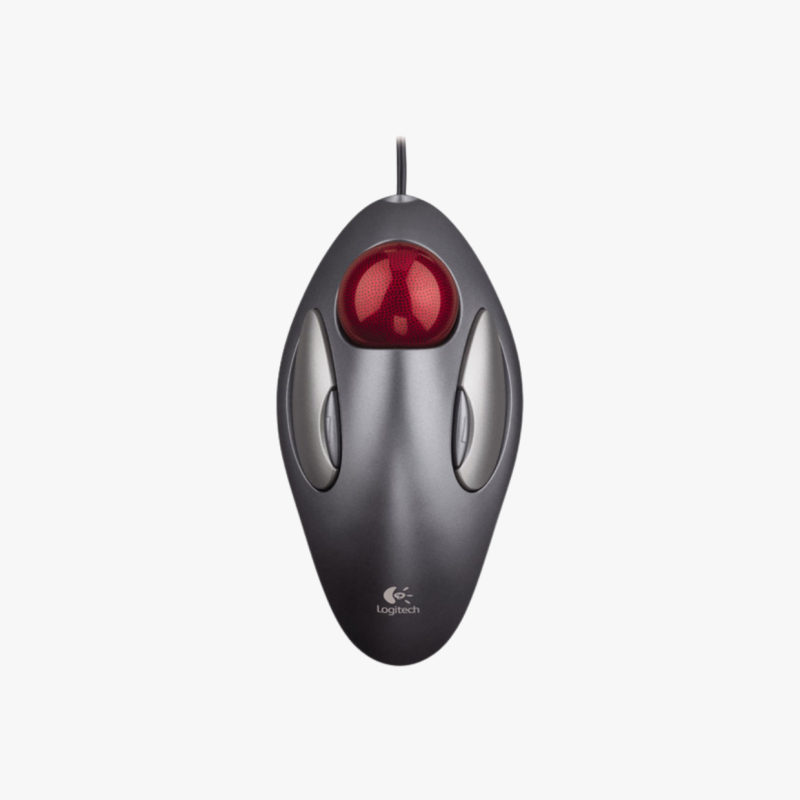
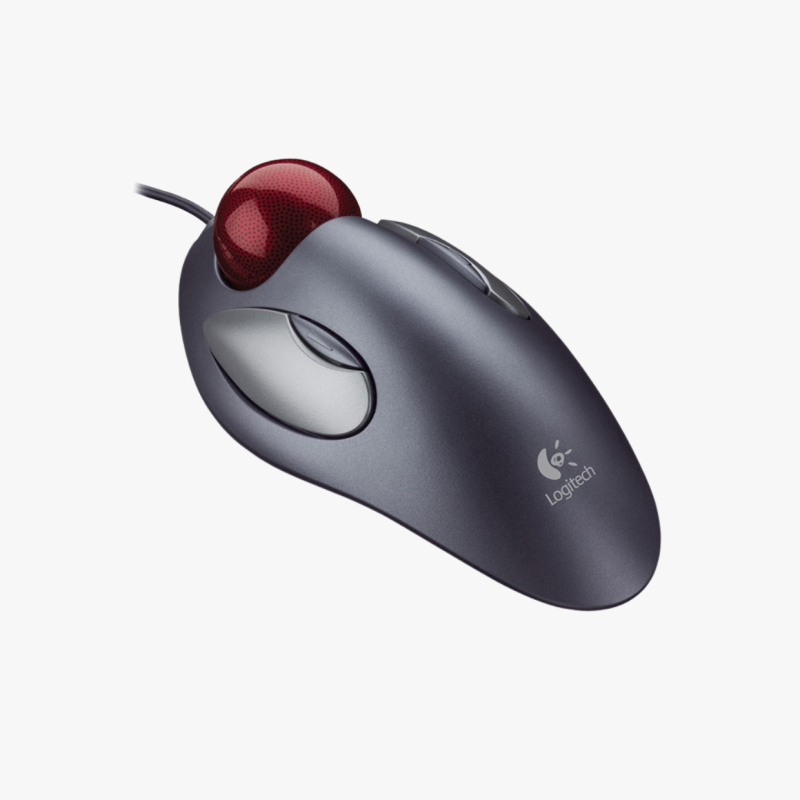
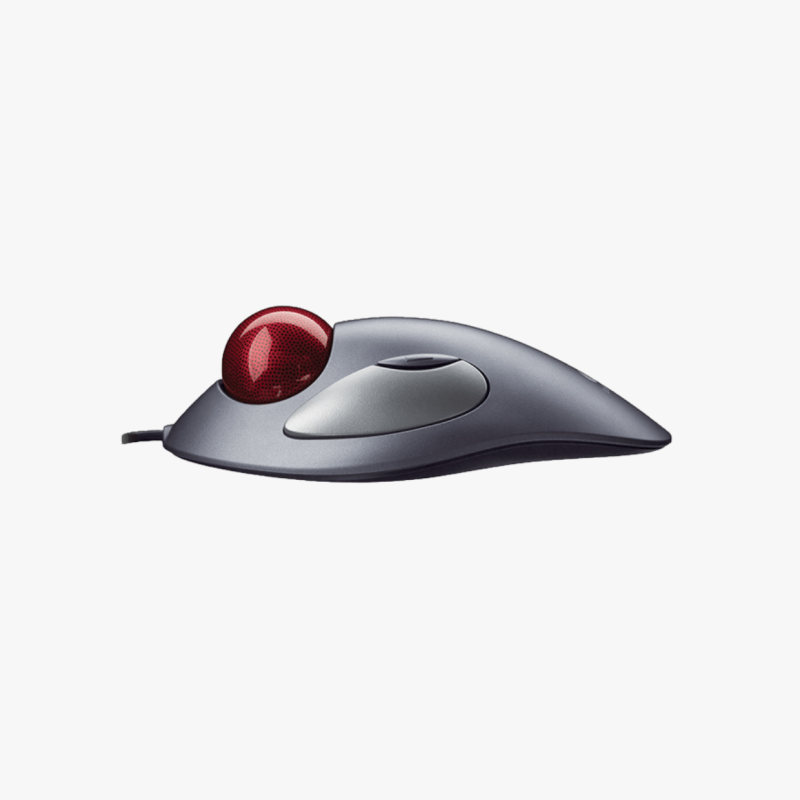
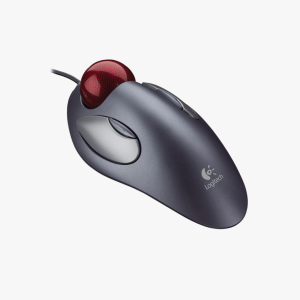
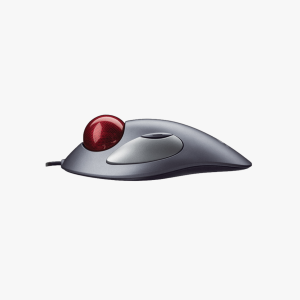
Comfortable Trackball Control
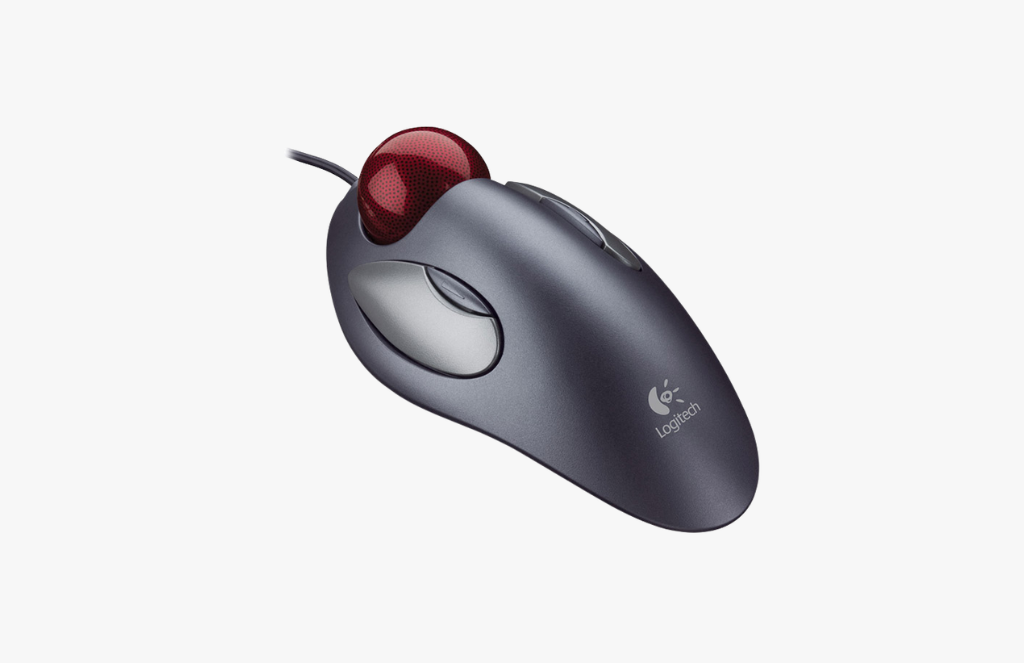
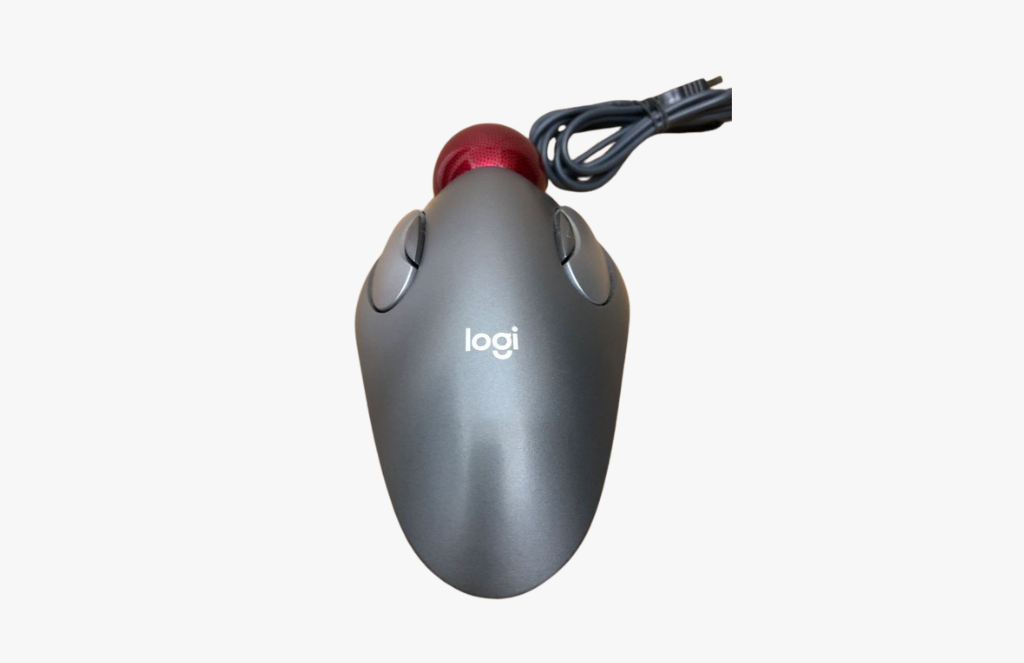
The Logitech Trackman Marble Trackball Mouse gives you precise cursor control with less hand movement.
Instead of moving the mouse around the desk, you guide the pointer with your fingers using the large trackball.
This makes it a comfortable choice for users who want better control and a more relaxed working position.
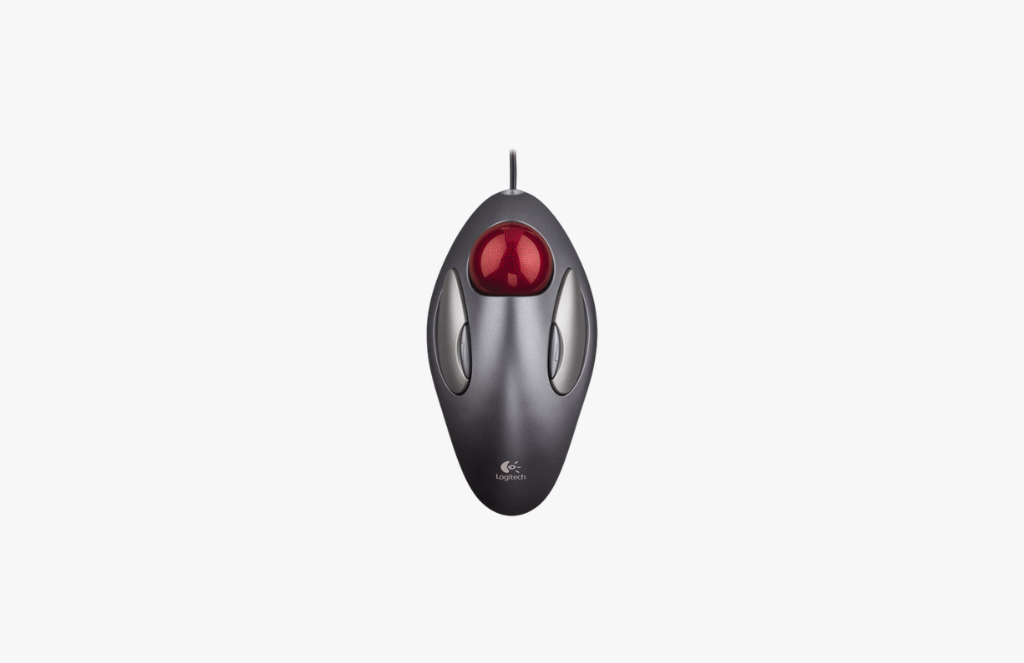
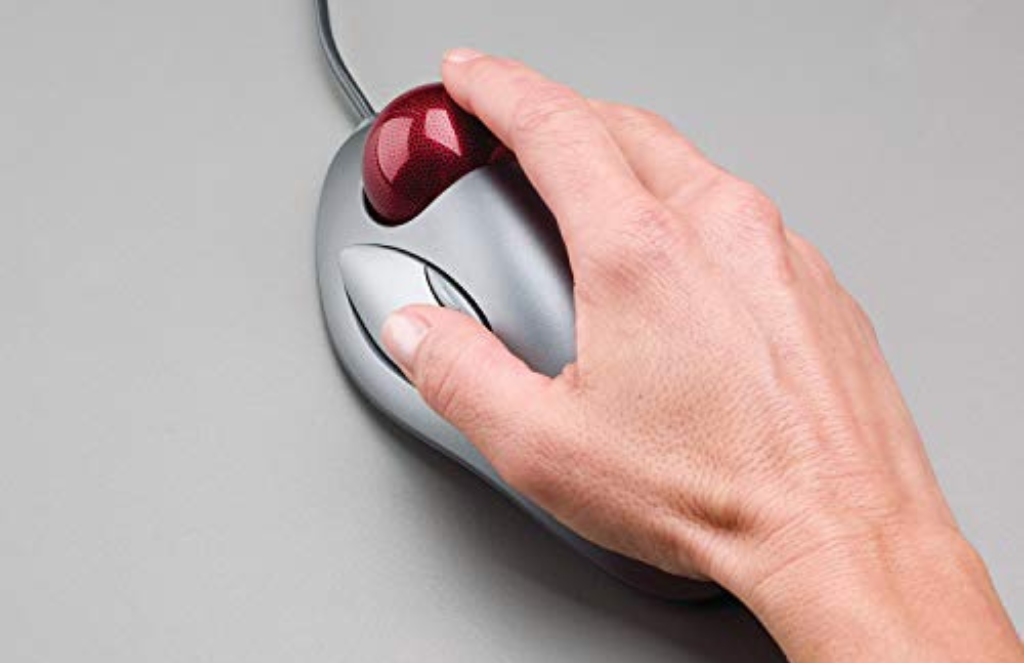
Easy Wired Connection
With a wired USB connection, the mouse is simple to set up and ready to use right away.
There is no need for batteries, charging, or wireless pairing, which makes it convenient for daily computer work.
The stable connection helps ensure dependable performance throughout the day.
Customizable Productivity
This mouse includes 4 programmable buttons that can be assigned to useful shortcuts and commands.
That makes it easier to speed up common tasks like browsing, switching applications, or handling documents. The customizable controls add flexibility for both home and office use.
Space-Saving and Practical
Because the trackball stays in place, this mouse is ideal for smaller desks or crowded workspaces.
It is comfortable for both right-handed and left-handed users, making it a versatile option for many people.
For anyone looking for a precise, ergonomic, and space-saving mouse, the Logitech Trackman Marble is a smart solution.
Ergonomic Trackball Design
The Logitech Trackman Marble Trackball Mouse is built to improve comfort and precision during long computer sessions. Instead of moving the entire mouse, you control the cursor with your fingers through the trackball, which can reduce repeated arm movement. This makes it a practical option for users who want a steadier and more controlled pointing experience.
Reliable Wired Performance
The wired USB connection makes this mouse easy to use on most computers without extra setup.
It works as a plug-and-play device, so you can connect it and begin using it immediately.
With no batteries or wireless signal to manage, it offers dependable everyday performance for office and home use.
Designed for Productivity
The 4 programmable buttons let you personalize the mouse for your workflow.
You can use them for shortcuts, navigation commands, or other actions that help you work faster.
This makes the Logitech Trackman Marble useful for browsing, document editing, data entry, and general computer tasks.
Compact and Versatile
Its trackball design helps save desk space and keeps the mouse stationary while in use.
The ambidextrous shape also makes it suitable for both right-handed and left-handed users.
For anyone seeking a comfortable, precise, and long-lasting mouse, the Logitech Trackman Marble is a dependable choice.
Short Features
Wired USB trackball mouse.
Ergonomic ambidextrous design.
Finger-controlled trackball movement.
4 programmable buttons.
Smooth and accurate cursor control.
Compact, space-saving design.
Plug-and-play setup.
Suitable for left and right-handed users.
Ideal for office and home use.
Durable Logitech construction.
FAQs
It is used for precise cursor control on computers, with a trackball design that reduces the need to move the mouse around.
Yes, its ambidextrous shape makes it suitable for both right-handed and left-handed users.
No, it uses a wired USB connection, so it does not need batteries or charging.
Yes, it has 4 programmable buttons that can be assigned to shortcuts or commands for better productivity.
Yes, the trackball design stays in place, making it ideal for compact workspaces and limited desk areas.
Reviews
There are no reviews yet.