



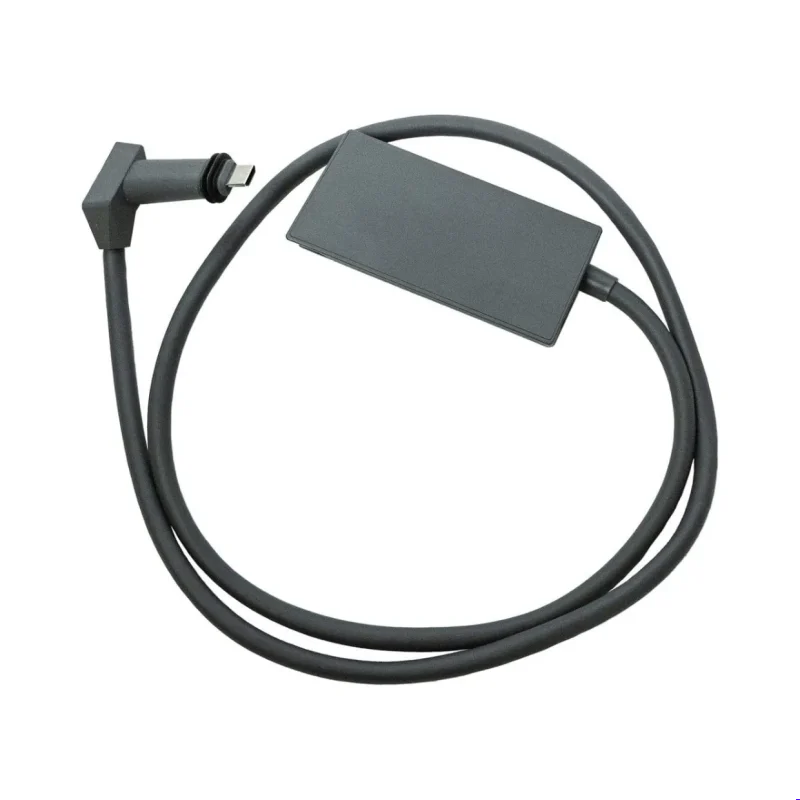


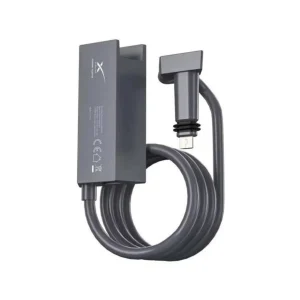

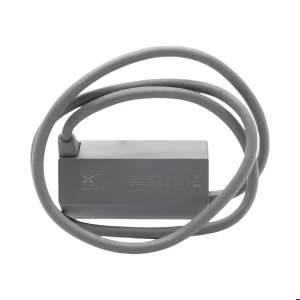
Purpose of the Ethernet Adapter
The adapter is specifically designed to provide a wired network connection for the Starlink Gen 2 router.
Key Functions
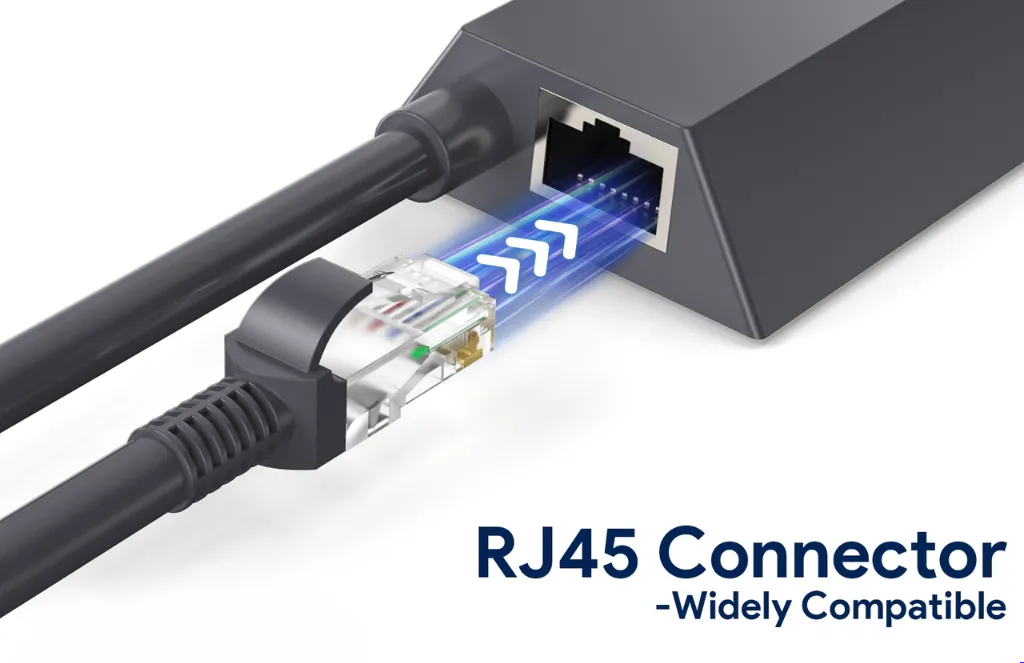
- Adds one Gigabit Ethernet (RJ45) port
- Enables wired internet connections
- Supports third-party routers
- Connects Ethernet switches
- Improves network stability
- Ideal for smart home and office networking
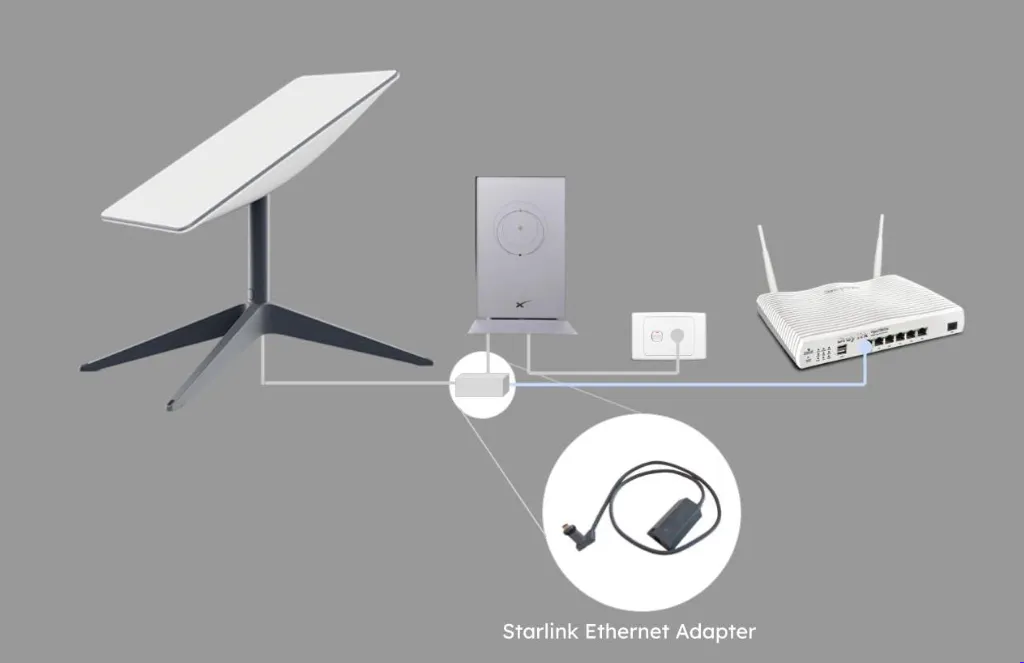
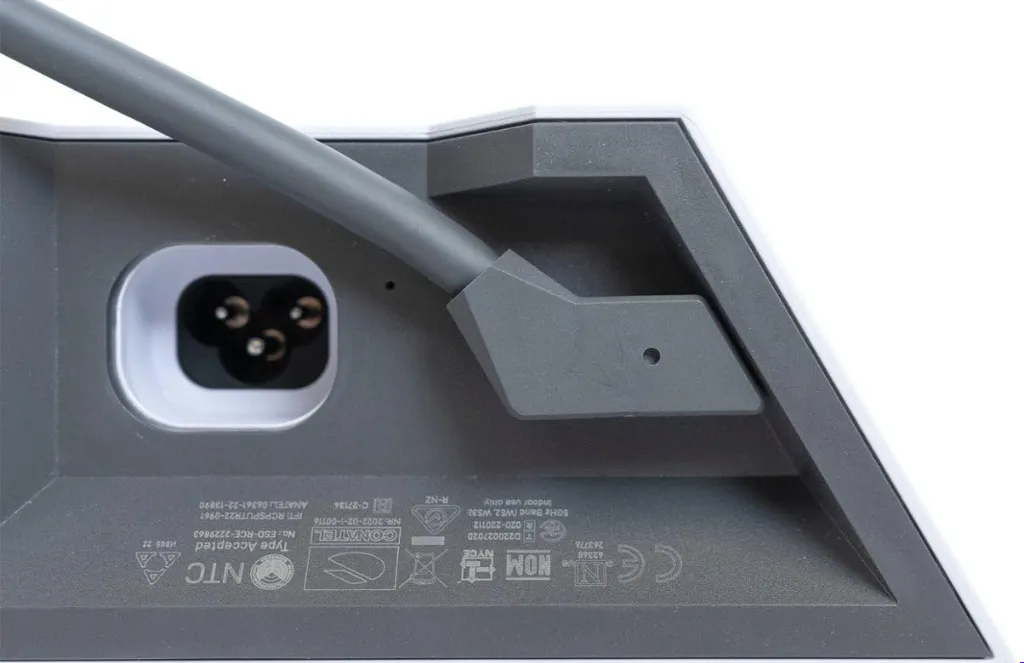
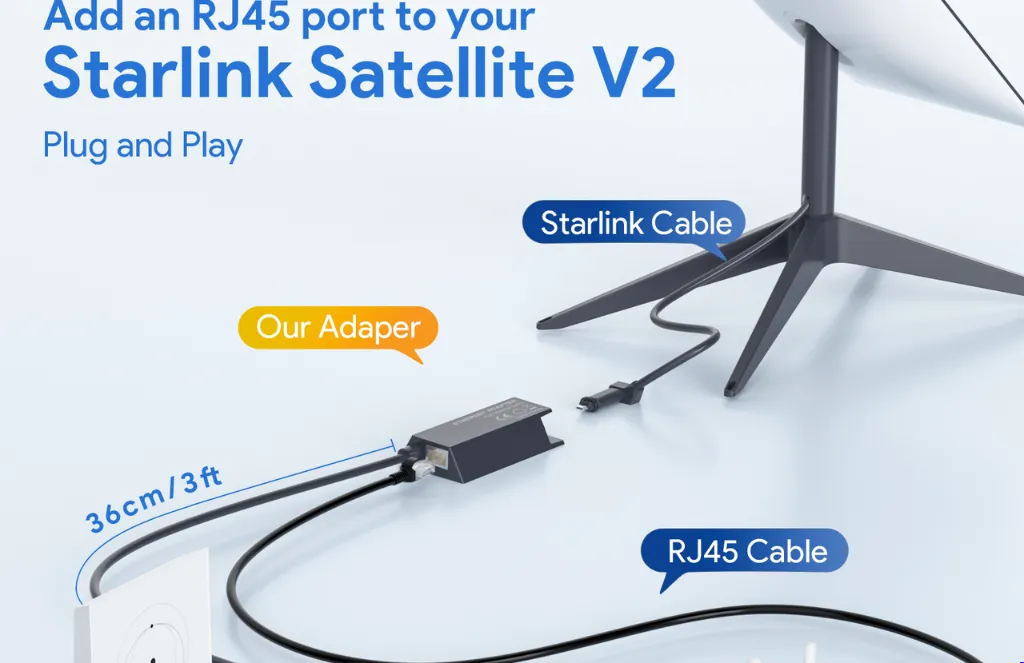
It installs between the Starlink dish cable and the Gen 2 router, providing an Ethernet port without replacing the existing Starlink hardware.
Plug-and-Play Installation
Installation is simple and requires no software or drivers.
Installation Steps
- Turn off the Starlink router.
- Disconnect the cable between the dish and the router.
- Insert the Ethernet Adapter between the dish cable and the router.
- Connect an Ethernet cable from the adapter to your device or network switch.
- Power the router back on.
The adapter is automatically recognized by the Starlink system.
High-Speed Gigabit Performance
The Starlink Ethernet Adapter supports Gigabit Ethernet (10/100/1000 Mbps).
Performance Features
- Up to 1 Gbps wired connection
- Low-latency networking
- Stable connection for streaming
- Reliable online gaming
- Faster large file transfers
- Suitable for business applications
Actual internet speeds depend on your Starlink service plan and network conditions, but the adapter itself supports Gigabit Ethernet.
Wide Device Compatibility
The adapter allows many Ethernet-enabled devices to connect directly to your Starlink network.
Compatible Devices
- Desktop computers
- Laptops with Ethernet ports
- Gaming consoles
- Smart TVs
- Network switches
- Third-party Wi-Fi routers
- Access points
- Network Attached Storage (NAS)
- Printers
- IP cameras
It is especially useful in environments where wired connections offer greater reliability than wireless networking.
Starlink Gen 2 Ethernet Adapter
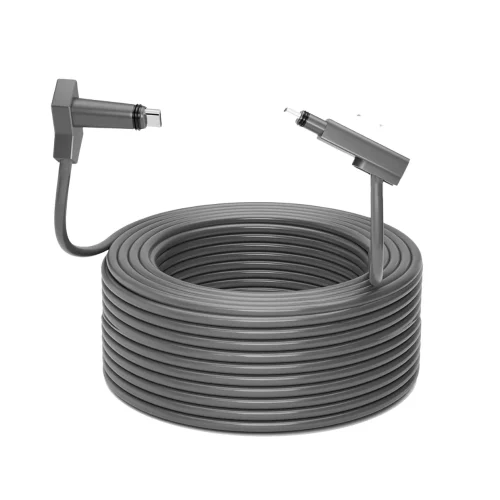
The Starlink Gen 2 Ethernet Adapter is an official accessory designed for users of the Starlink Gen 2 (Standard Actuated) satellite internet system. Since the Gen 2 router does not include a built-in Ethernet (RJ45) port, this adapter adds a Gigabit Ethernet connection, allowing wired devices such as computers, network switches, gaming consoles, smart TVs, access points, and third-party routers to connect directly to the Starlink network. It is an ideal solution for users who require faster, more stable wired connectivity than Wi-Fi alone.
ompact and Durable Design
The adapter is built for reliable everyday use.
Design Features
- Compact form factor
- Lightweight construction
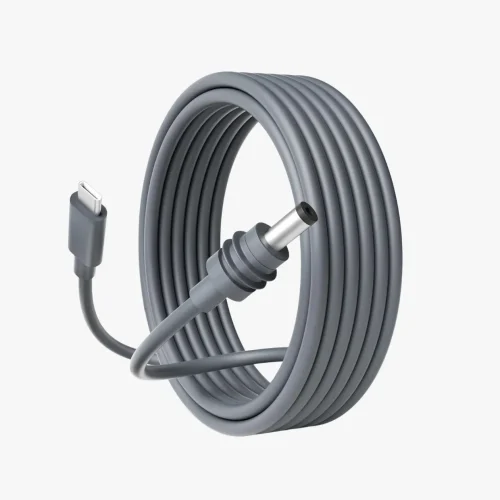
- Approximately 0.92 m (3 ft) integrated cable
- Indoor use
- Durable connectors
- Plug-and-play operation
Its small size allows it to fit neatly into most home and office networking setups.
Ideal Applications
The Starlink Gen 2 Ethernet Adapter is suitable for a variety of networking scenarios.
Recommended For
- Home internet users
- Small businesses
- Remote offices
- Online gaming
- Video conferencing
- Smart home installations
- Network expansion
- Security camera systems
- Wired media streaming
A wired Ethernet connection often provides greater consistency for bandwidth-intensive tasks.
Benefits of Using a Wired Connection
While Wi-Fi is convenient, Ethernet offers several important advantages.
Key Benefits
- More stable network connection
- Reduced latency
- Faster data transfers
- Less wireless interference
- Improved reliability for gaming and streaming
- Better performance for business applications
- Easier integration with existing wired networks
These advantages make the adapter a valuable addition to many Starlink installations.
Key Advantages
Why Choose the Starlink Gen 2 Ethernet Adapter?
- Official Starlink accessory
- Adds one Gigabit Ethernet port
- Supports speeds up to 1 Gbps
- Plug-and-play installation
- Compatible with Starlink Gen 2 routers
- Supports third-party routers and switches
- Compact and lightweight design
- Reliable wired networking
- Ideal for home and business use
- Enhances network flexibility
FAQs
It adds a Gigabit Ethernet (RJ45) port to the Starlink Gen 2 router, allowing wired devices such as computers, routers, switches, and gaming consoles to connect directly to the Starlink network.
No. The Gen 2 Standard router does not include a built-in Ethernet port, which is why the Ethernet Adapter is required for wired networking.
The adapter supports Gigabit Ethernet speeds of up to 1 Gbps, although your actual internet speed depends on your Starlink service and network conditions.
Yes. The adapter allows you to connect a compatible third-party router or network switch. Many users also enable Starlink’s bypass mode when using their own router.
No. It is designed primarily for the Starlink Gen 2 Standard (Rectangular Dish) router. It is not intended for the Gen 1 router, and newer Starlink Router Gen 3 models already include built-in Ethernet ports.

Reviews
There are no reviews yet.