 Skip to content



300 Mbps Wireless N
Connect a desktop or laptop to Wi-Fi at up to 300 Mbps, enough for browsing, streaming and online work.
It is a simple fix for a PC with no built-in Wi-Fi or a laptop whose Wi-Fi card has failed.

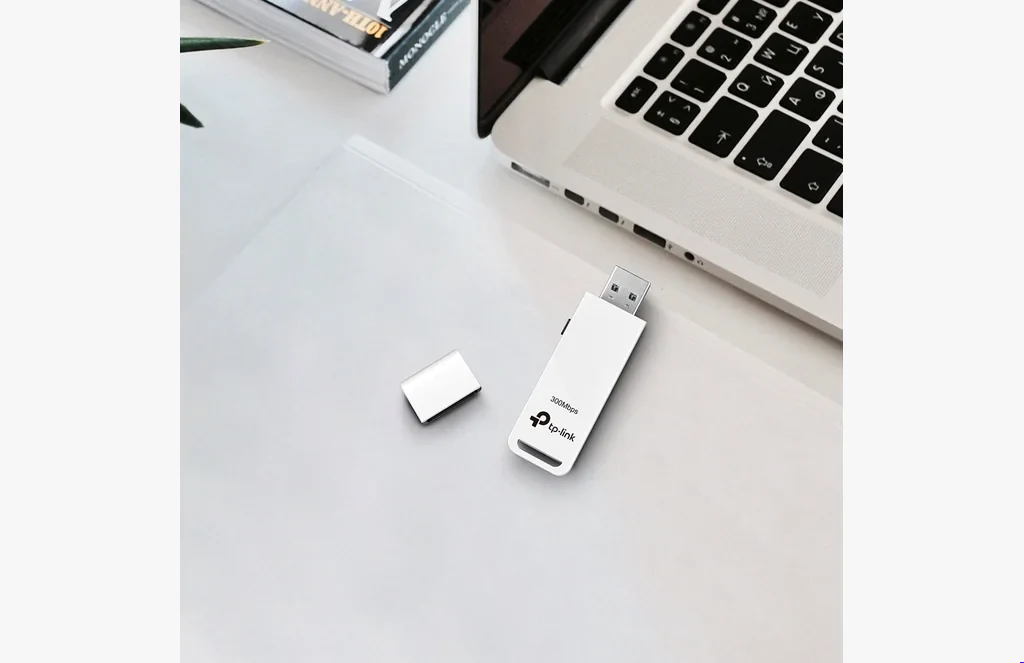
Better Placement, Better Signal
The included USB cradle lets you sit the adapter on the desk rather than behind the PC, where the signal is often blocked.
A small move up and away from the metal case can noticeably improve the connection.
One-Touch WPS
Press the WPS button on the adapter and on your router to connect securely without typing a long password.
WPA/WPA2 encryption keeps the connection private.

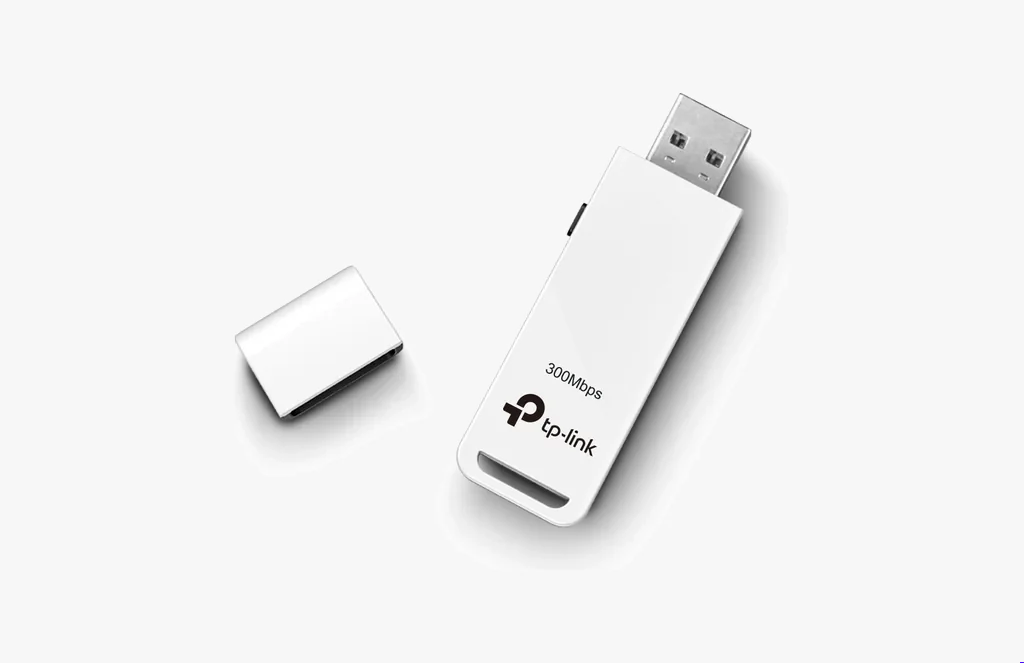
Simple Setup
Plug it into a USB port, install the driver and pick your network.
It works with any standard 2.4 GHz Wi-Fi router.
Technical Specifications
| Specification | Details |
|---|---|
| Wi-Fi standard | 802.11n/g/b, 2.4 GHz |
| Speed | Up to 300 Mbps |
| Interface | USB 2.0 |
| Setup | WPS button |
| Security | WPA/WPA2 |
Ideal For
The TP-Link 300Mbps Wireless USB Adapter is suitable for:
- Desktop PCs without Wi-Fi
- Office computers
- Laptops with failed Wi-Fi
- Cyber cafés
- Budget upgrades
It is a dependable, low-cost way to get a computer onto Wi-Fi.
Why Choose the TP-Link 300Mbps Wireless USB Adapter?
It gives any desktop or laptop solid 300 Mbps Wi-Fi with one-touch setup at a very low price.
FAQs
Is this 300Mbps adapter dual band?▾
No. It works on 2.4 GHz only. For 5 GHz choose the TP-Link AC600 or AC1300 USB adapter.
How fast is it?▾
Up to 300 Mbps.
Does it work on a desktop PC?▾
Yes. Plug it into any USB port.
What is WPS?▾
A button that connects the adapter to your router securely without typing the password.
Does it come with a USB extension?▾
Yes. A USB cradle is included so you can place it for the best signal.




Reviews
There are no reviews yet.